
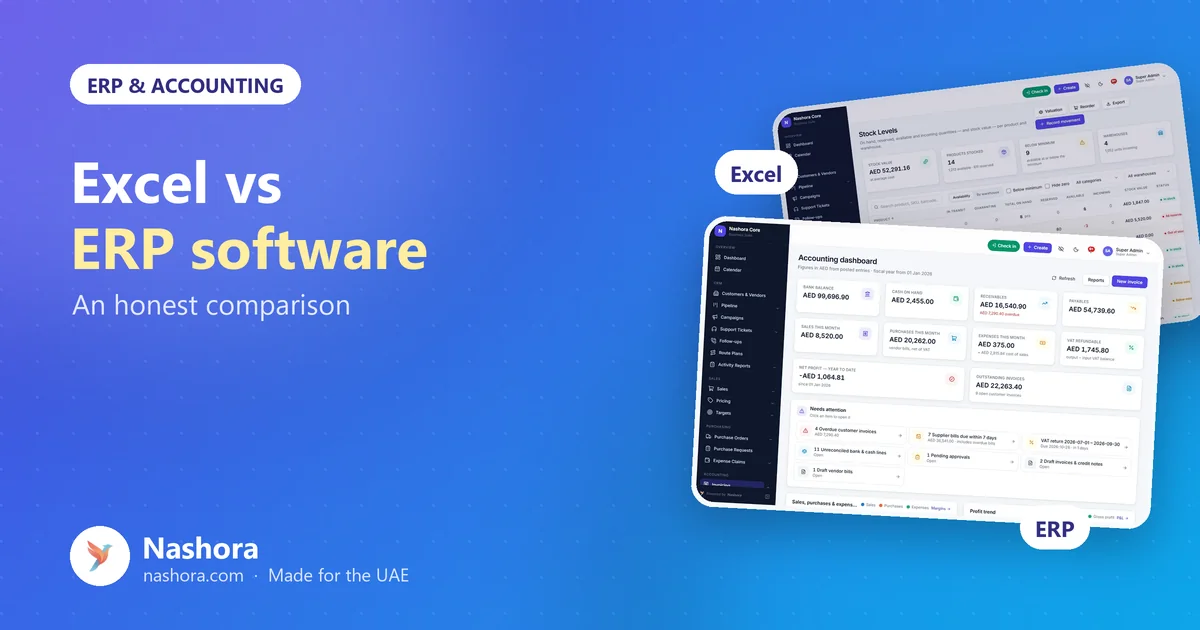
Every UAE business starts in Excel, and many of them should stay there longer than software vendors admit. A workbook is free, flexible and understood by everyone on the team. Then one Thursday, two people save over each other's "Stock_final_v3", the VAT total is out by a few hundred dirhams and the one person who understands the formulas is on leave. That is usually the day the Excel vs ERP software question gets asked for real.
This is an honest take on it. We sell an ERP, so you should know our bias, but we will say plainly when a spreadsheet is the right tool, where it breaks, what a worked example costs, and how to tell whether switching will pay for itself.
Excel vs ERP software: an honest take
Excel is a calculator with a grid. An ERP is a shared database with rules. That one difference explains almost everything else.
In a spreadsheet, a number is a number. Nothing stops you typing over a formula, deleting a row or recording the same sale in two tabs. In an ERP, a sale is a document with a status, a customer, products, VAT and a journal behind it, and the system will not let you post something that does not balance. Spreadsheets give you freedom; an ERP gives you consistency. Which one you need depends on how much damage a wrong number can do.
A fair rule of thumb: Excel is fine until more than one person edits the same data, until money, stock and tax need to agree with each other, or until someone outside the company (an auditor, the FTA, a bank) asks you to prove how a figure was reached.
Where Excel is genuinely the right tool
Do not let anyone tell you that spreadsheets are always a mistake. They are the right tool in several situations.
- Very early businesses. A freelancer with a handful of invoices a month does not need a database.
- Analysis and what-if models. Budgets, pricing scenarios, cash-flow forecasts: Excel is better at these than most systems.
- One-off lists and reports. A tender comparison, an event budget, a supplier shortlist.
- Prototyping a process. Many good ERP set-ups started as a workbook that showed exactly what the team needed.
Our own advice is to keep Excel for thinking and use an ERP for recording. That is not a slogan; it is where most businesses end up, as the hybrid section below explains.
Where spreadsheets break
The trouble starts when a spreadsheet stops being a calculator and becomes your system of record. These are the six places it usually cracks.
Version chaos
Someone emails "Sales_March.xlsx". Someone else keeps editing the shared copy. A third person has a local version from last week. Which one is the truth? In a database there is one record and everybody sees the same screen.
Double entry
An invoice is typed into a sales sheet, again into the accounting ledger and a third time into the VAT workbook. Every copy is a chance for a typo, and each one has to be reconciled to the others at month-end.
Stock
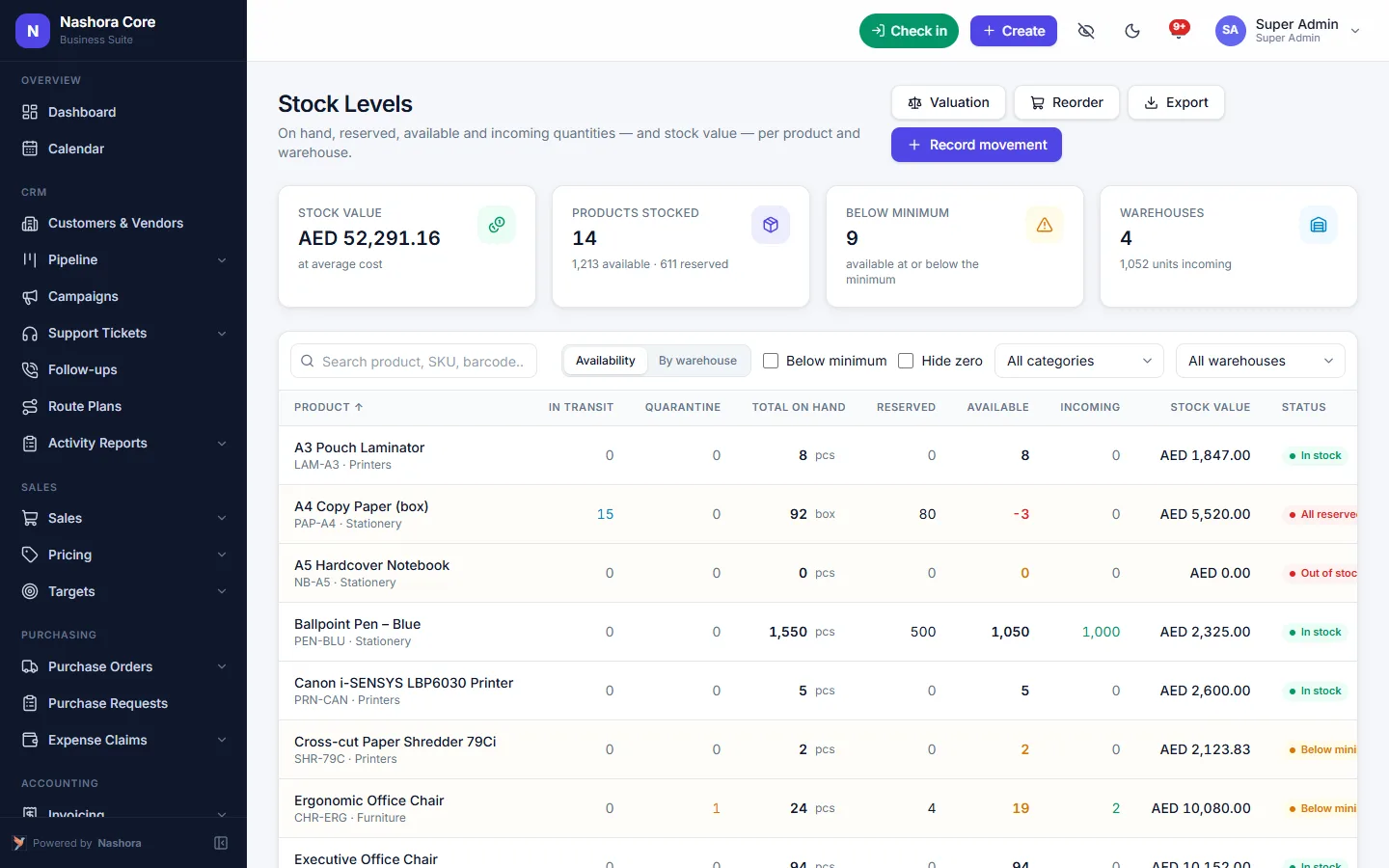
A stock sheet is accurate on the day it is updated. After that, deliveries, returns and transfers between warehouses pull it away from reality. The Nashora inventory screen shows what a system does instead: on-hand, reserved, available and incoming quantities and stock value per product and warehouse, updated by documents rather than by memory. We cover the trading side in managing inventory in a trading company.
VAT
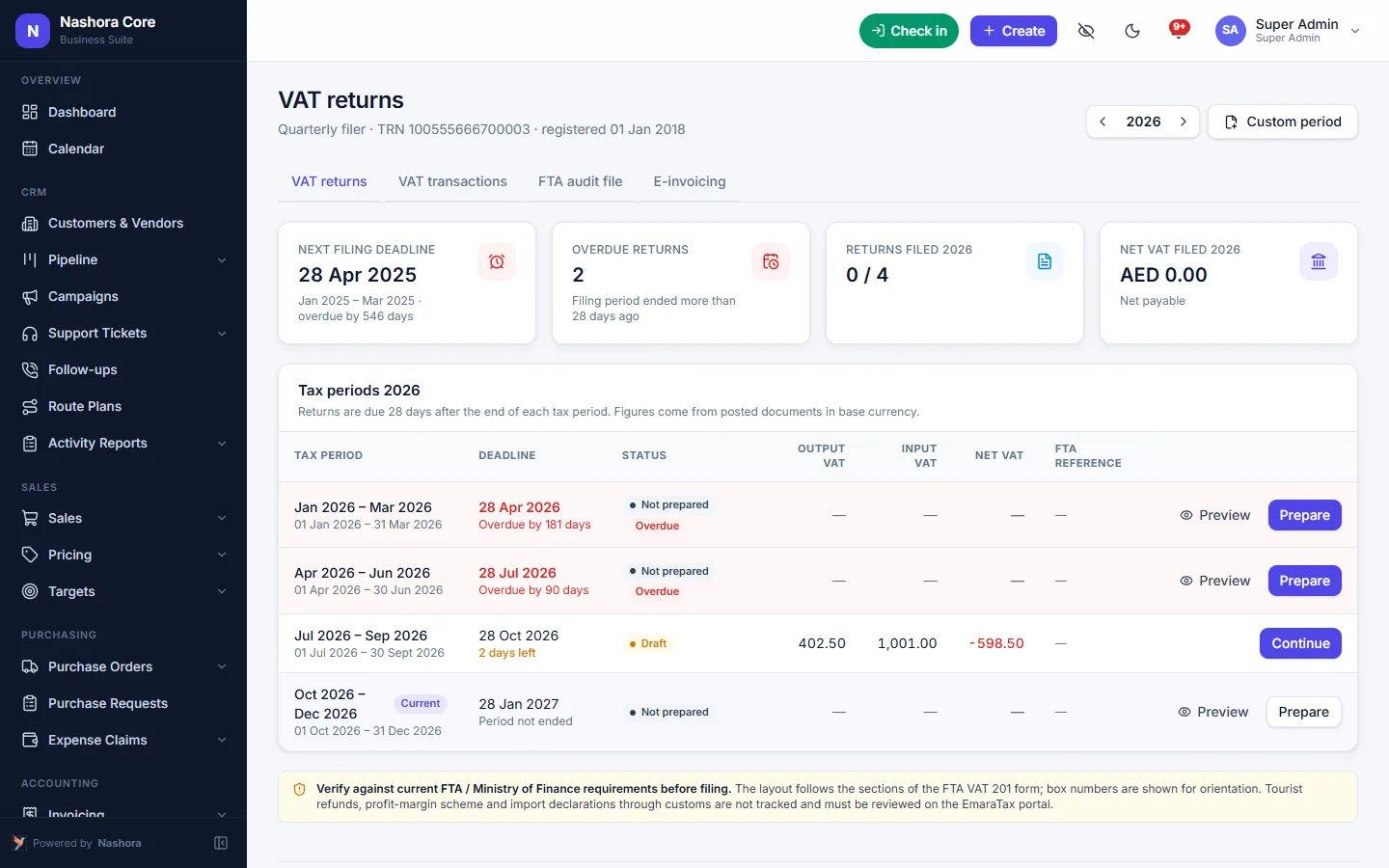
The VAT 201 depends on every invoice and bill being in the right period and category: standard-rated, zero-rated, exempt or reverse charge. A workbook can do the maths, but it cannot tell you that a late bill landed in the wrong quarter. Our guide on how to calculate VAT in the UAE shows the rules in detail.
Audit trail
Modern spreadsheet tools keep a version history, which helps. But the history of a file is not an audit trail of business documents. When an auditor asks who changed a figure, when and why, a spreadsheet seldom has a satisfying answer. In Nashora posted documents are locked, corrections use credit notes or reversals, fiscal periods can be locked and the audit log records each change with the user and IP address.
Access control
A spreadsheet is shared as a whole file, or not at all. The salesperson who needs prices can also see salaries, and anybody with edit rights can change anything. In Nashora, custom roles set view, create, edit, delete, approve and export rights for each module, users see their own records, their team's, their branch's or everyone's, and two-factor authentication protects every sign-in.
A worked example: one VAT mistake in a spreadsheet
Numbers show the real cost better than adjectives. Say a company keeps a sales sheet with 124 invoice rows for the quarter, and a VAT total formula that was written when the sheet had 117 rows. The formula sums rows 1 to 117 and nobody notices the last seven invoices.
Suppose each of those seven invoices is AED 1,000 before VAT. VAT at 5% on each is AED 50, so 7 x AED 50 = AED 350 of output VAT is missing from the return. The VAT 201 goes in with AED 350 too little. Perhaps someone spots it at the next audit, perhaps not. If the company later has to correct the return, it also has to explain why.
The cause is not carelessness. A grid has no concept of "all the invoices in this period". It only knows the cells you told it to add. In an ERP, the return is built from every posted document in the period, with drill-down from each box to the documents behind it, so a missing invoice is much harder to miss. The difference is the same on the cost side: a bill that arrives late simply lands in the period it is posted to, and the drill-down shows which documents moved a box.
Excel vs ERP software: side-by-side comparison
The table compares everyday jobs. We have marked where Excel is fine, because sometimes it is.
| Task | Nashora | Excel |
|---|---|---|
| One shared version of the truth | One database, one record, everyone sees the same screen | Copies and email attachments |
| Issue a VAT invoice | Invoice with VAT on each line posts to the books | Template, then re-typed into the ledger |
| VAT 201 return | Built from posted documents, boxes by selling branch's emirate | Formulas and a manual check each quarter |
| FTA Audit File | Exported and validated before download | Assembled by hand to the FTA format |
| Stock levels | Delivery notes and goods received notes move stock by warehouse | Updated when someone remembers |
| Bank reconciliation | Import a statement, match lines | Possible with filters and effort |
| Approvals | Approval rules by amount, recorded in the log | Email or chat |
| Who can see and change what | Roles per module, own, team, branch or all records | Whole file or nothing |
| Audit trail | Locked documents, period lock, audit log with user and IP | File version history at best |
| Payroll and WPS file | Payroll run posts a journal; WPS SIF file on the Complete plan | Calculated in a sheet, SIF file built by hand |
| Budgets and what-if models | Budgets and reports, export to Excel | Excel is excellent here |
| Cost to start | Annual licence plus installation fee | Already on your PC |
The hybrid reality: Excel alongside an ERP
Most businesses that switch to an ERP do not delete Excel. They move transactions into the system and keep the spreadsheet for analysis.
Nashora is built for that. Customers, vendors, products, opening balances and employees come in from Excel during set-up, and profit and loss, balance sheet, trial balance, ledgers, aging and VAT reports export to Excel or PDF. Your finance manager can still build a pivot table or a forecast on top of reports that came from the books, rather than on figures typed in beside them.
| Job | Keep in Excel | Move to an ERP |
|---|---|---|
| Recording sales, bills and receipts | — | Yes: these are transactions that affect VAT and the books |
| Stock movements | — | Yes: deliveries and receipts should change stock by themselves |
| Budget scenarios and forecasts | Yes: flexible and quick to change | Keep the approved budget in the system for comparison |
| Ad hoc analysis | Yes: export from the system and pivot | — |
| Payroll and WPS | — | Yes, if you pay several staff through WPS each month |
| One-off lists (tenders, events) | Yes | — |
If you want the step-by-step version of a move, our companion guide is how to move from Excel to ERP software.
Break-even signs: when does switching pay?
Switching has a cost, so it should pay for itself. Here is a way to think about it that does not rely on a vendor's brochure.
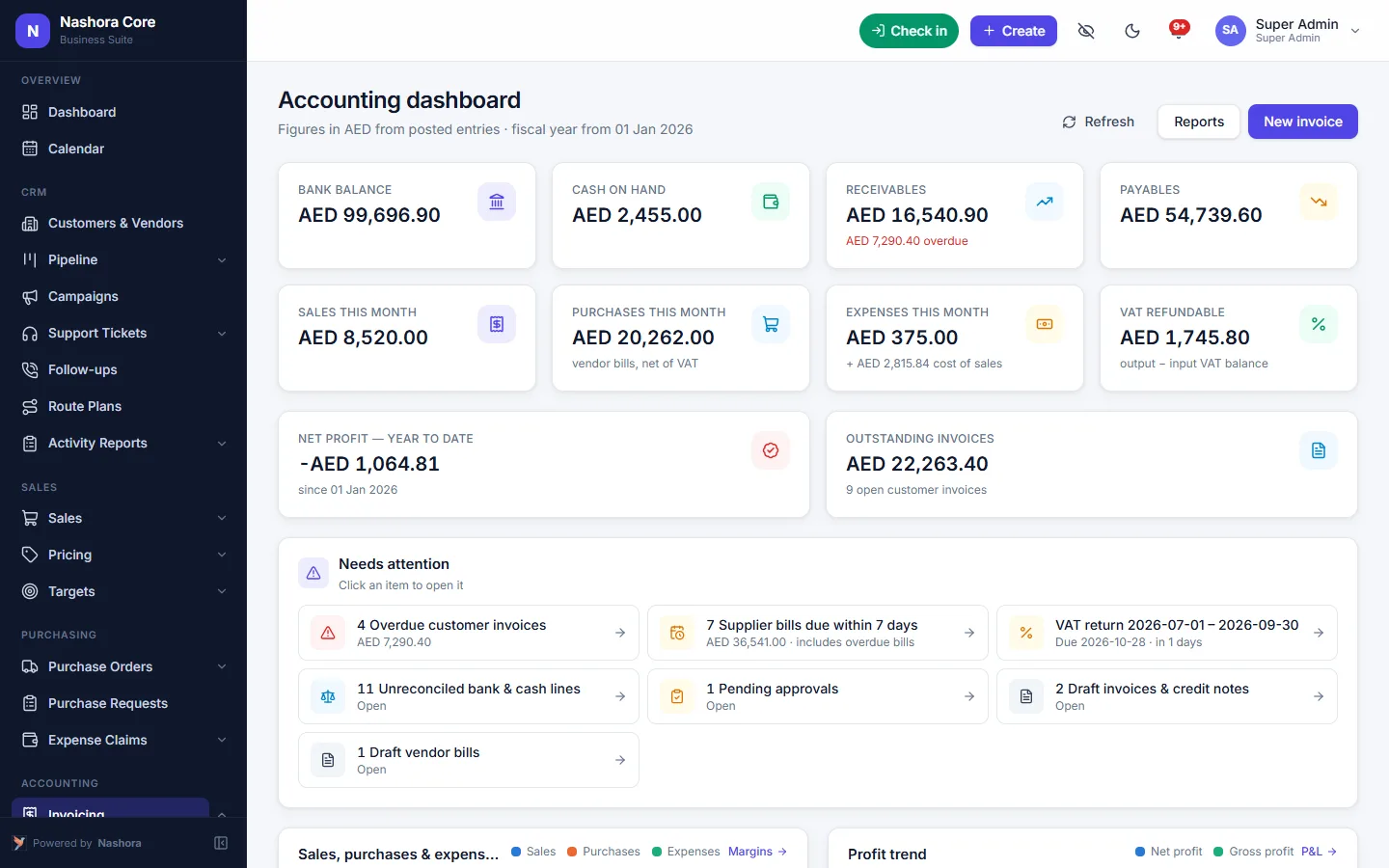
Say your finance assistant spends two days each month rebuilding the VAT workbook, matching the stock sheet and chasing missing invoices. That is 24 working days a year. If one working day of that person's time costs the company AED 400 (an illustrative figure, so use your own), the yearly cost is 24 x AED 400 = AED 9,600. Compare that with Nashora Starter at AED 4,008 in the first year, licence plus installation, and AED 2,508 in each later year, excluding VAT. In this example the system pays for itself in the first year, before counting the errors it prevents.
Turn the numbers around. If the same job takes two hours a month, the yearly cost is about 3 days, and a spreadsheet remains the sensible choice. The break-even depends on your volume, your team and your tolerance for risk.
| Sign | What it costs you | Excel is still fine if |
|---|---|---|
| More than two people edit the same file | Overwritten work, conflicting versions | Only one person ever edits it |
| Month-end takes days of re-checking | Staff time and late decisions | It takes an hour or two |
| Stock count and sheet disagree | Lost sales, over-buying, write-offs | You hold few items in one place |
| VAT return needs a manual rebuild | Risk of errors and late filing | You have a handful of invoices |
| Only one person understands the workbook | Key-person risk | It is documented and tested |
| An auditor or bank asks who changed a number | Weak answers and extra work | Nobody outside asks |
| Staff see data they should not | Confidentiality problems | The file only holds non-sensitive figures |
A two-week test
- Log the time. For two weeks, note how long you spend re-typing, matching and checking.
- Count the errors. Write down each mismatch between the sheet, the bank and the books.
- List the people. Who edits which file, and who should not see it?
- Rebuild one VAT period. Time it, and check it against the invoices from scratch.
- Count the stock. Pick ten items, count them and compare with the sheet.
- Do the sum. Multiply the hours by your day rate and compare with a three-year system cost.
What a switch looks like in Nashora
Switching feels frightening because people imagine retyping everything. In practice, most of the data arrives from the spreadsheets you already have.
- Gather your lists. Customers, vendors, products, opening balances and employees, each in an Excel sheet, with duplicates removed.
- We configure the company. Company details, VAT, chart of accounts, branches, users and roles.
- Import and check. Your lists come in from Excel. Post a handful of real documents and compare them with your old figures.
- Train each team. Short sessions for finance, sales, the warehouse and HR, plus help mode and a built-in tutorial afterwards.
- Go live with the core. Start issuing invoices, receipts and deliveries from the system instead of the old sheets.
- Review the first month-end. Bank reconciliation, aging and stock valuation against the books, while the month is fresh.
Most companies go live within days to a few weeks. Start with the books on the Starter plan, or choose Business if stock, CRM and purchasing are the pain, and add other modules later on the same data. The accounting and VAT software and CRM, sales and inventory software pages show how each module works. If you are not sure which kind of system fits, our accounting software vs ERP guide explains the options.
The honest cost comparison
Excel looks free, and in cash terms it is. The cost sits elsewhere: the hours of re-typing, the corrections, the risk of a wrong return and the day your workbook expert leaves.
A system has a visible price. Nashora is an annual licence per company: Starter is AED 2,508 for three users, Business AED 6,468 for ten, Complete AED 10,788 for 15 users and 25 payroll employees. The first year adds a one-time installation fee of AED 1,500, AED 5,000 or AED 8,500 respectively, and all prices exclude 5% VAT. The pricing page shows the full table, including renewals.
A fair comparison asks what you pay for each route over three years in money and time. For a company with a handful of invoices, Excel wins. For one with stock, VAT, staff and an auditor, the invisible costs often outweigh the licence. Our post on managing accounts receivable and payable shows what clean receivable and payable lists can do for cash flow, and what an FTA Audit File is shows why audit-ready records matter.
Serving businesses across the UAE
Nashora is run from Al Nahda in Sharjah and serves companies in Dubai, Sharjah, Abu Dhabi, Ajman, Ras Al Khaimah, Fujairah, Umm Al Quwain and Al Ain. It runs in the browser, so a team spread across emirates works on the same data. UAE needs are part of the set-up: VAT at 5% on each line, your TRN, the VAT 201 return, the FTA Audit File, PINT-AE e-invoice XML for your accredited service provider, WPS payroll on the Complete plan and records you can keep for the five years the rules require. Corporate tax at 9% above AED 375,000 also makes tidy, auditable books more valuable. Free zone and mainland companies can be treated differently, so check your position with the FTA or your tax adviser. This article is not tax or legal advice.
What to do next
- Run the two-week test. Time and error counts beat opinions.
- Decide what stays in Excel. Models, forecasts and ad hoc analysis usually do.
- Clean your lists. Customers, vendors, products, opening balances and employees, whichever system you choose.
- Do the three-year sum. Compare the system price with your own time and risk, using the pricing page as a starting point.
- See it with your own data. We would be glad to book a free demo and import one of your spreadsheets live. The FAQ covers setup, or contact us with questions first. If you are still choosing a package, read our buyer's guide to accounting software.